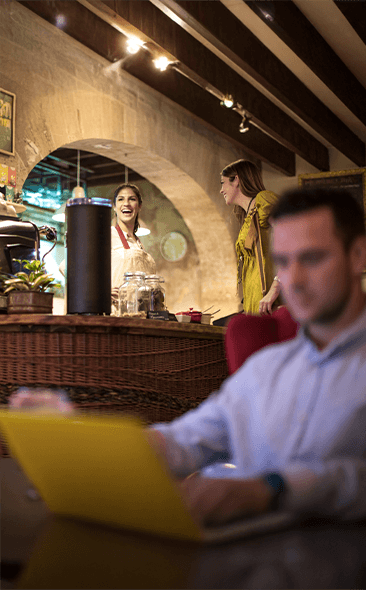
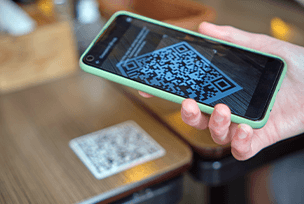
Mezivo, restoranlar için rezervasyon ve masa yönetimini tek ekrandan sunar; dijital kroki ile masalarınızı gerçek zamanlı görün, QR menü ile modern bir deneyim yaşatın. Oteller için ise misafirlerinizi giriş anından itibaren dijital karşılayın; oda bilgileri, Wi-Fi ve gezi rehberini tek uygulamada birleştirin.
Dijital Misafir Deneyimi
Gerçek Zamanlı Dijital Kroki
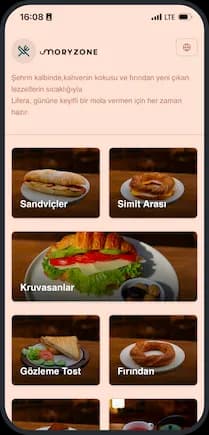
Anında QR Menü
Nasıl Çalışır
Üç Adımda Kurulumdan Yönetime
ADIM - 01
Kayıt Olun
Dijital platforma kayıt olun ve işletmenizi dakikalar içinde hazır hale getirin.
ADIM - 02
Düzeninizi Oluşturun
Sürükle-bırak ile düzenini kolayca oluşturun.
ADIM - 03
Kolayca Yönetin
Tüm süreçlerinizi tek bir noktadan; düzenli, kolay ve stressiz yönetin.
Maksimum Verim
Dijitalleşmenin Avantajlarını Keşfedin
Rezervasyonları ve müşterileri yönetmek, düzeninizi oluşturmak ve Mezivo ile süreçleri hızlandırmak artık çok kolay. Tek uygulama ile işinizi büyütün.
Mevcut restoran yazılımınızla sorunsuz bağlantı sağlayın
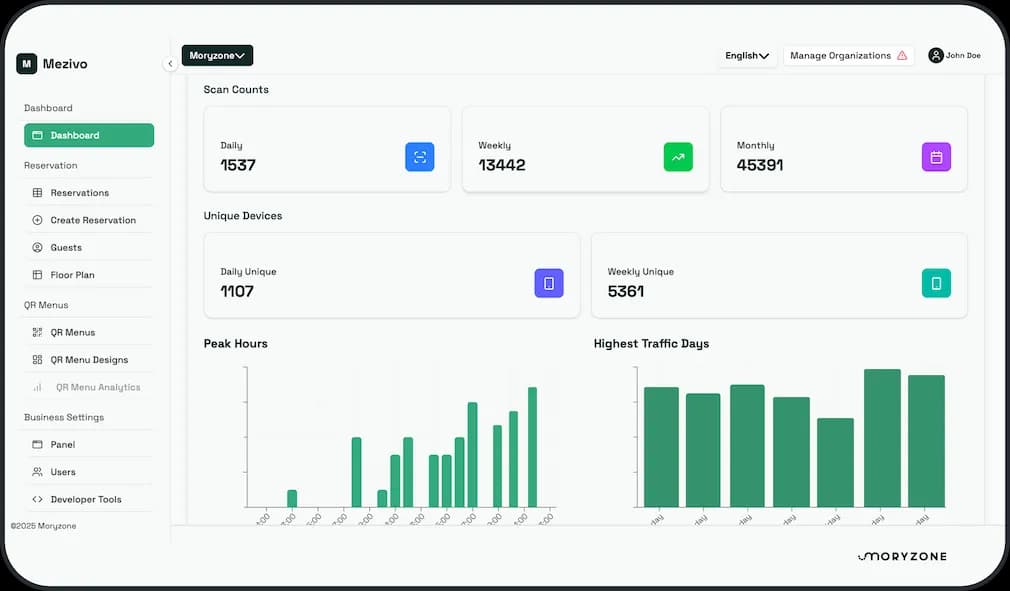
Detaylı Raporlama
Rezervasyon ve müşteri verilerinizi kolayca analiz edin
SSS
Sıkça Sorulan Sorular
Sıkça Sorulan Sorular bölümünde, uygulamamız hakkında en merak edilen konulara hızlıca yanıt bulabilirsiniz. Ücretlendirme, güvenlik ve kullanım kolaylığı gibi detayları burada keşfedin.
Uygulamamız, mevcut restoran sistemleriyle kolayca entegre olur. Masa düzeninizi oluşturun, QR menünüzü tanımlayın ve hemen kullanmaya başlayın.
Evet, masa ve oturum düzeninizi sürükle-bırak yöntemiyle kolayca oluşturabilirsiniz. Teknik bilgi gerekmez.
Rezervasyonlar yalnızca restoran paneli üzerinden sizin tarafınızdan oluşturulur. Müşteriler uygulama/QR menü üzerinden doğrudan rezervasyon yapamaz; QR menü sadece menüyü görüntülemek içindir. Panelden yeni rezervasyon ekleyebilir, düzenleyebilir, iptal edebilir ve masa ataması yapabilirsiniz.
7 günlük ücretsiz denemenizi başlatın
İşletmenize uyan planı seçin. Kart gerekmez ve bugün ₺0 ödersiniz.
Deneme bitmeden istediğiniz zaman iptal edebilirsiniz.
Kart gerekmez
Bugün ₺0
Deneme bitmeden iptal edin
Yılda bir kez faturalandırılır. Kartlarda aylık karşılığı gösterilir.
Temel
7 gün ücretsiz deneme
Menüsünü şık ve her zaman güncel tutmak isteyen işletmeler için.
Ödeme bilgilerini yalnızca deneme bitince ekleyin.
İstediğiniz zaman iptal
Deneme bitmeden size hatırlatırız.
Oluşturduklarınız kalır
Deneme sırasında oluşturduğunuz her şey hesabınızda kalır.
Baskı Masrafı Yok, Boşluk Yok
QR menü ve dijital misafir deneyimi her an güncel; düzenli rezervasyonla doluluk oranınızı yükseltin. 7 günlük ücretsiz deneme sürümünüzü hemen başlatın!


















 Dijital Misafir Deneyimi